How to Obtain Tax Receipt from the Groww App


If you have invested in an ELSS or tax-saving fund, there is an option to download your tax receipt which will summarize all your transactions and act as proof to claim deductions while filing your taxes.
In this blog, we will show you a step-by-step process to obtain a tax receipt from the Groww app.
Step 1
After you log in, tap on the small icon on the top right side which shows your photo.

Now, click on Reports.

Step 2
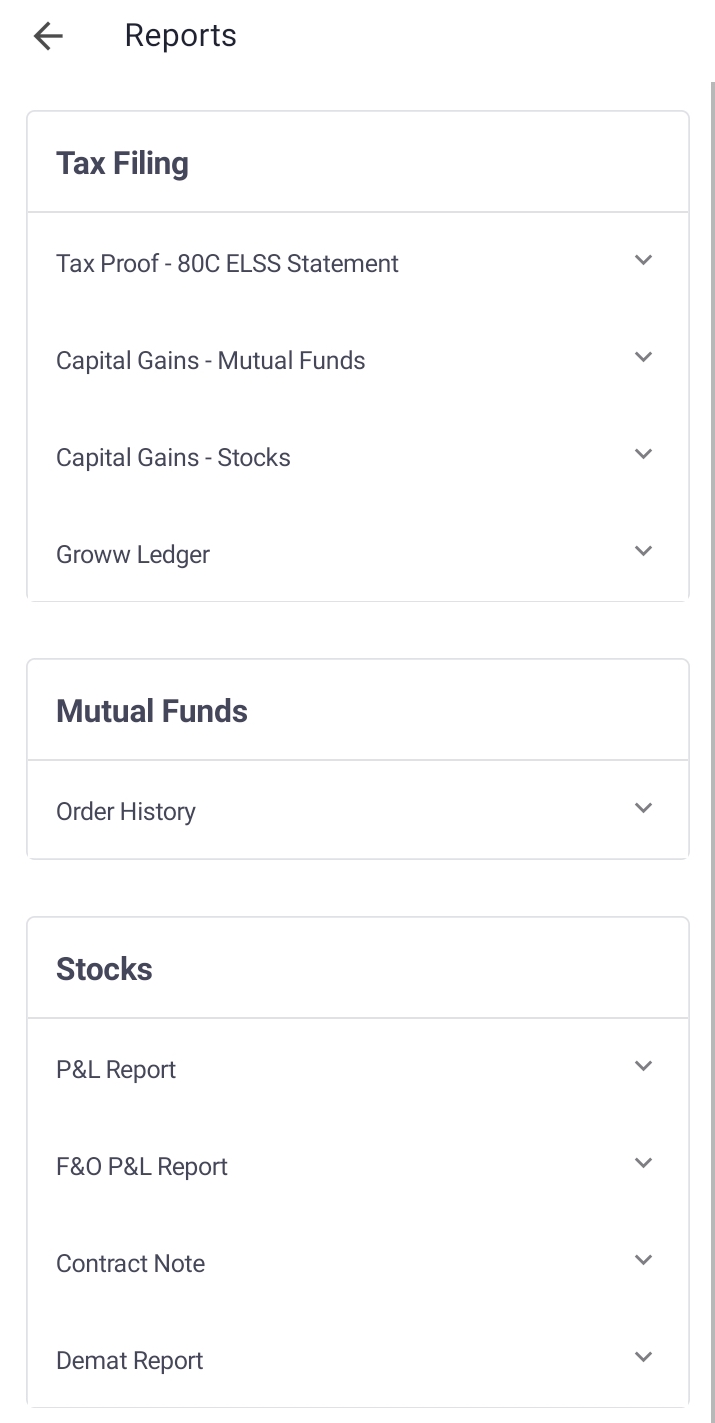
Now, you will see options under ‘tax filing’.
Step 3
Select the one that is required in your case.?
? ? ? ? ? ? ? ? ? ? ? ? ? ? ? ? ? ? ? ? ? ? ? ? ? ? ? ? ? ? ? ? ? ? ? ?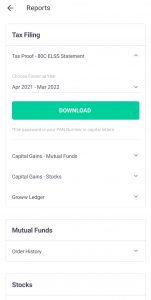
You will now get the option to select the Financial Year for which you require the report.
Step 4
Click on ‘Download’ and the file will be downloaded and sent to your email.
That’s it! Following these 4 simple steps, you can download your tax-related reports on the Groww app.
Happy Investing!