How to Change My Phone Number on Groww Account?


Mobile phones in our pocket can do wonders and blunders depending on the situation. We often face difficulties to change our primary phone number registered with banks and other important places. If you have invested with the help of Groww and have been facing difficulties changing you number lately, you are at the right place! This blog will take you through step-wise procedure to change your phone number on Groww along with pictures for a better understanding.
In this blog, we will take you through the stepwise procedure to show how to change your mobile number on your Groww account.?
Step 1: Go to Dashboard
Once you login to Groww, you will be able to see the dashboard.

Step 2: Tap on your account on the upper right hand side

Step 3: Click on your profile

Step 4: Click on edit phone number.?
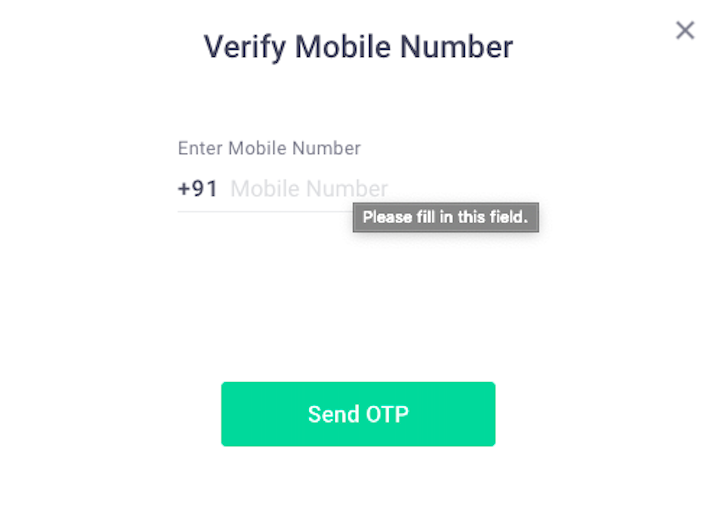
You will then receive an OTP on your phone number once you click ‘Send OTP’. Enter the OTP and it’s done.?
Your mobile phone number will now be changed successfully.?
Happy Investing!?